
IoT based Temperature monitoring system using Raspberry Pi
Call for Price
IoT based Temperature monitoring system using Raspberry Pi
Description
ABSTRACT
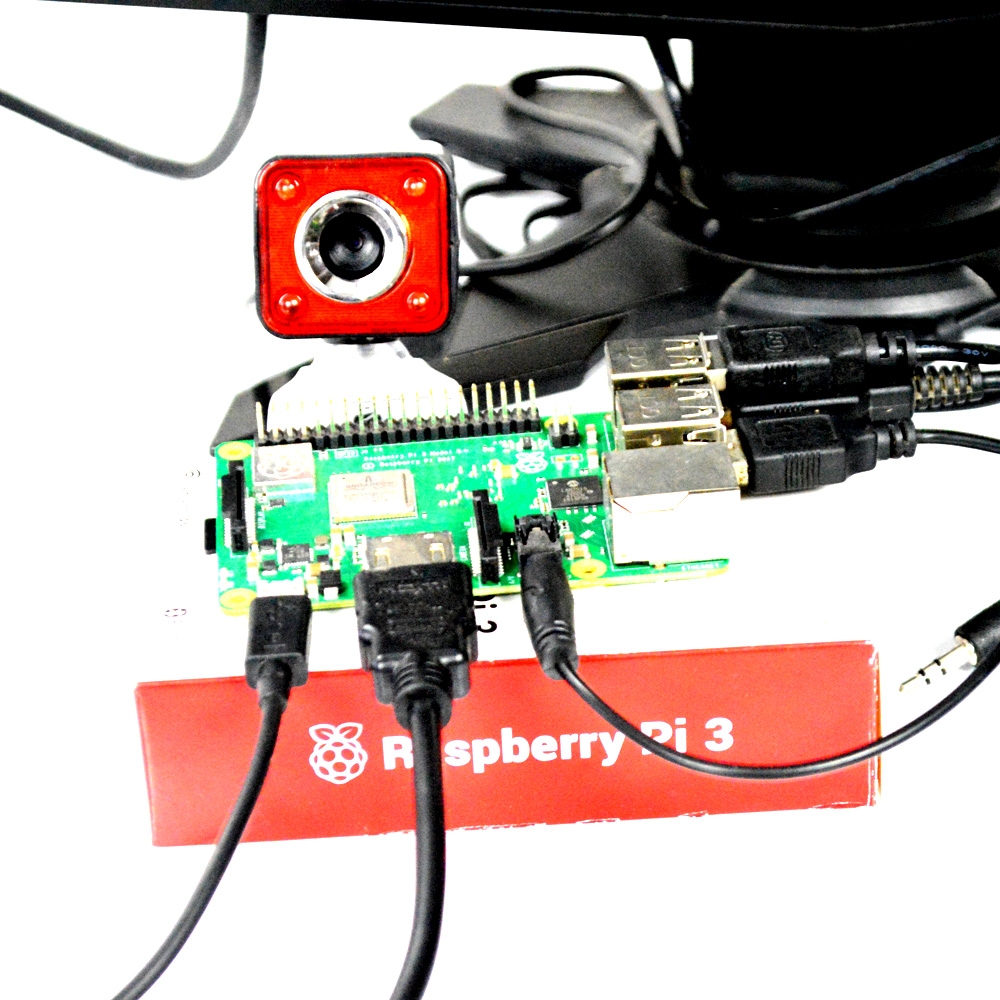
Raspberry Pi which having inbuilt wi-fi, which makes Raspberry Pi to suitable for IoT applications, so that by using IoT technology this monitoring system works by uploading the temperature value to the Thingspeak cloud by this project you can able to learn to how to handle cloud-based application using API keys. In this monitoring system, we used Thingspeak cloud, the cloud which is suitable to view the sensor logs in the form of graph plots. Here we created one field to monitor the temperature value, that can be reconfigurable to monitor a number of sensor values in various fields. This basic will teach you to how to work with a cloud by using LM35 as a temperature sensor, to detect the temperature and to upload those values into the cloud.
HARDWARE REQUIRED
- Raspberry Pi
- SD card
- Power supply
- VGA to HDMI converter (Optional)
- MCP3008 (ADC IC)
- A temperature sensor(LM35)
SOFTWARE REQUIRED
- Raspbian Stretch OS
- SD card Formatter
- Win32DiskImager (or) Etcher
PYTHON LIBRARIES USED
- RPi.GPIO as GPIO (To access the GPIO Pins of Raspberry Pi)
- Time library (For Time delay)
- Urllib2 to handle URL using Python programming
CODE
import time

import urllib2
import RPi.GPIO as GPIO

GPIO.setmode(GPIO.BCM)
myAPI = "paste your write API key here"
t=0
m=0
baseURL = 'https://api.thingspeak.com/update?api_key=%s' % myAPI


# read SPI data from MCP3008 chip, 8 possible adc's (0 thru 7)
def readadc(adcnum, clockpin, mosipin, misopin, cspin):
    if ((adcnum > 7) or (adcnum < 0)):
        return -1
    GPIO.output(cspin, True)

    GPIO.output(clockpin, False)  # start clock low
    GPIO.output(cspin, False)  # bring CS low

    commandout = adcnum
    commandout |= 0x18  # start bit + single-ended bit
    commandout <<= 3  # we only need to send 5 bits here
    for i in range(5):
        if (commandout & 0x80):
            GPIO.output(mosipin, True)
        else:
            GPIO.output(mosipin, False)
        commandout <<= 1
        GPIO.output(clockpin, True)
        GPIO.output(clockpin, False)

    adcout = 0
    # read in one empty bit, one null bit and 10 ADC bits
    for i in range(12):
        GPIO.output(clockpin, True)
        GPIO.output(clockpin, False)
        adcout <<= 1
        if (GPIO.input(misopin)):
            adcout |= 0x1

    GPIO.output(cspin, True)

    adcout >>= 1  # first bit is 'null' so drop it
    return adcout


# change these as desired - they're the pins connected from the
# SPI port on the ADC to the Cobbler
SPICLK = 18
SPIMISO = 23
SPIMOSI = 24
SPICS = 25
# set up the SPI interface pins
GPIO.setup(SPIMOSI, GPIO.OUT)
GPIO.setup(SPIMISO, GPIO.IN)
GPIO.setup(SPICLK, GPIO.OUT)
GPIO.setup(SPICS, GPIO.OUT)


try:
    while True:
        temperature = readadc(0, SPICLK, SPIMOSI, SPIMISO, SPICS)
        print("Temperature value")
        print(temperature)
        urllib2.urlopen(baseURL +"&field1=%s" % (str(temperature)))
        time.sleep(15)
except KeyboardInterrupt:
    print("stopping")
Additional information
| Weight | 0.000000 kg |
|---|

Reviews
There are no reviews yet.